
Start with Free
Free includes unlimited projects, script preparation, voice following, full-text rehearsal, continuous 1080p recording and clean video export without a watermark.
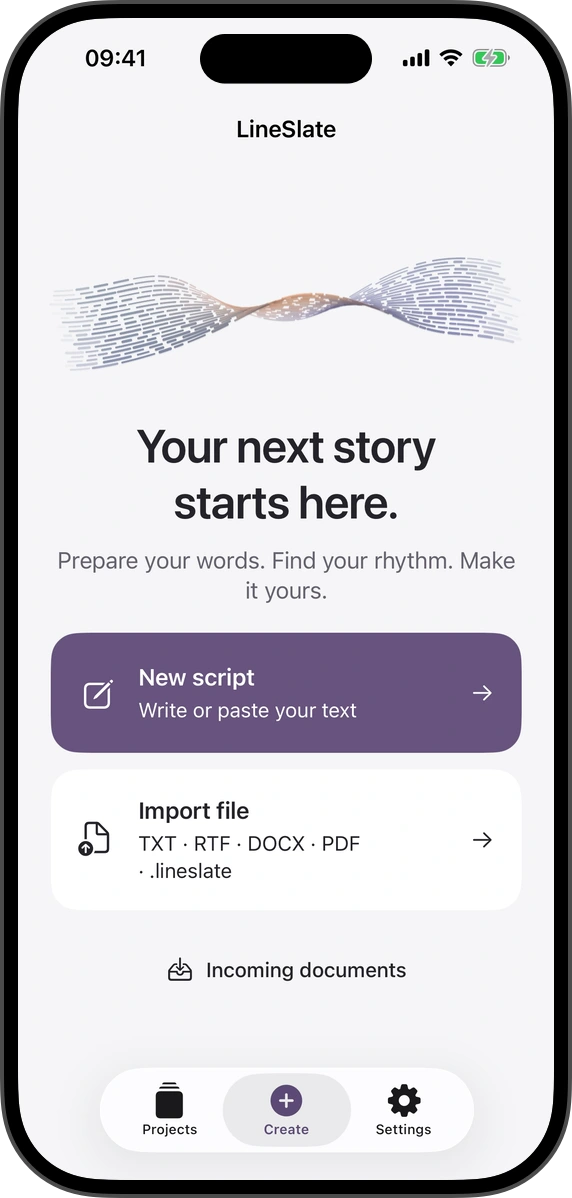
Read your script while recording video on iPhone. LineSlate brings a video teleprompter, rehearsal and your takes into one project, so you can prepare your words, speak at your pace and choose the result you want to share.
Reorder, split or join blocks, keep notes, and mark cue words or phrases you want to say. After a session, check which marked phrases LineSlate was able to match.
 View app screen
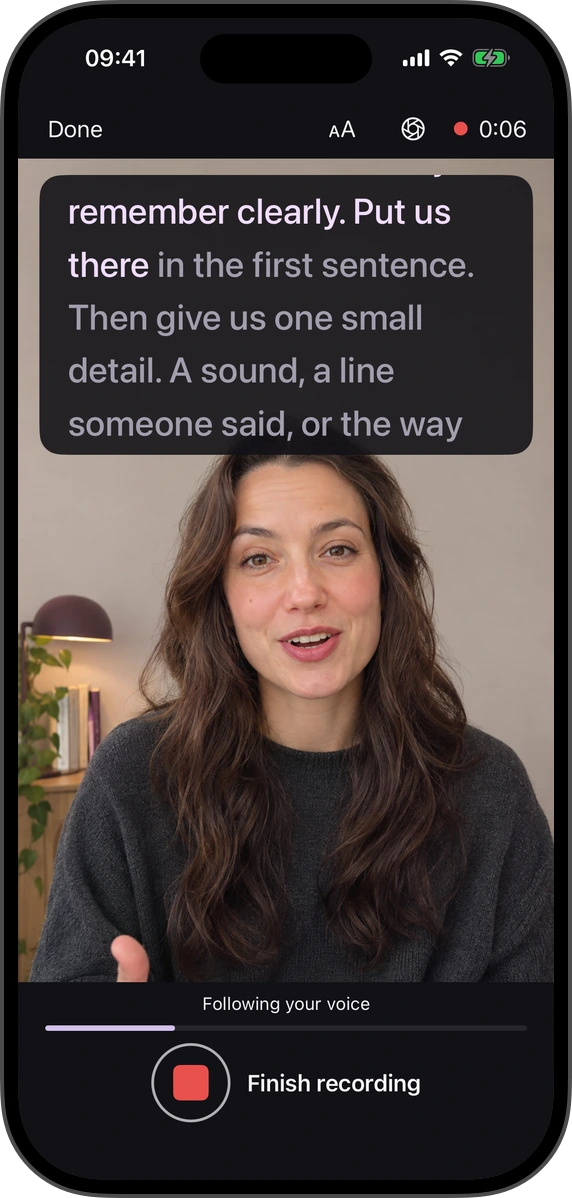
Read without the camera or keep the script on screen while filming. Spoken words light up as the text follows your pace. Tap the line you want to resume from, or switch to fixed-speed or manual scrolling. Adjust the font, mirror the text and set the size and position of the prompter window and its reading line.
Choose the speech profile separately from the app language. In Pro, save named setups for later sessions.
 View app screen
Practise with the full script, a timer and manual marks. Pro lets you work from cue words, reveal the full text on demand and save rehearsal audio when you choose to.
Record a continuous take at 1080p/30 in portrait or landscape. Use the countdown and the focus and exposure controls available on your camera. Pro adds 4K/30 on qualified device and camera configurations.
With Pro, record the script in blocks and retry an individual section. Compare two takes in A/B and choose which attempt to keep for each block.
 View app screen
Choose the blocks, put the takes in order and preview the assembly. Trim start and end points and choose the framing for the result. Creating a new assembly is a Pro feature.
 View app screen
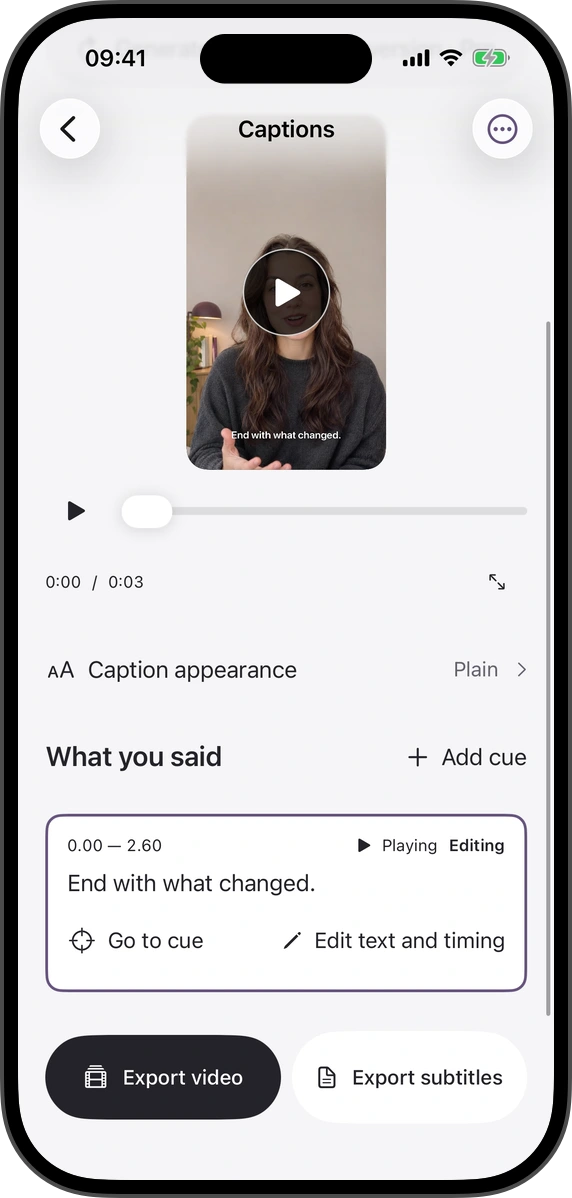
Generate captions after recording with Pro. LineSlate transcribes the speech in your recording or assembly on iPhone. Edit the words, timing and appearance, then include captions in the video or export an SRT or VTT file.
 View app screen
Prepare an MP4 without a watermark. Save the result to Photos or Files, or choose a destination in the system share sheet.
 View app screen
Find scripts or projects with search, group projects in folders and recover items from Trash. A .lineslate archive can carry a project with its script versions, recordings, assemblies and captions for backup or transfer.
All 15 interface languages and 19 selectable speech profiles are available in Free and Pro. Choose the language and regional speech profile for each project.
Free includes unlimited projects, script preparation, voice following, full-text rehearsal, continuous 1080p recording and clean video export without a watermark.
When Pro ends, you can still view and export materials you have created and edit captions you have already saved. You need Pro to start new block recordings or generate new captions. Available plans and prices are shown in the app. Subscriptions renew automatically unless cancelled; manage them in your Apple Account settings.